
Today I’m working on a global sales report using Tableau, my idea is trying to make all the sales/Marketing/Opportunity reports more interesting and easy to read. Our company is a big manufacture company, all the record for sales, orders are scattered all around the world. the old report which list the locations, numbers, and some details per sale, is neat and awesome, yet I still believe there is a improvement need to represent our data better.
My goal is identify the area which need attention, what product is majorly popular at where, what is your plan for which area, and how is our product covered world wise, the old dashboard report is when analyst open it, most information is listed as discrete, you can sort, filter, but it’s very limited at graphical side, and take a while to digest it.
Base on my company’s data, the Map view would be a great way to achieve my goal, the global data warehouse my VP and I build has all the countries, province(state), address, postal code, cities. which are totally sufficient for a Map view.
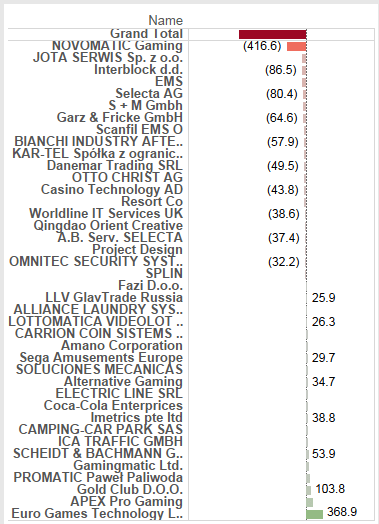
I’m not going to put details about how to create report and dashboard here today. comparing the two report like down below, which one is better? for me I choose the second, it still use the same data, but display a different way. from the second you can tell United state is one of our biggest market, and we still have some countries have no customer, I’m not a marketing or finance person, but I do believe this will inspire them to come up more ideas for the business.
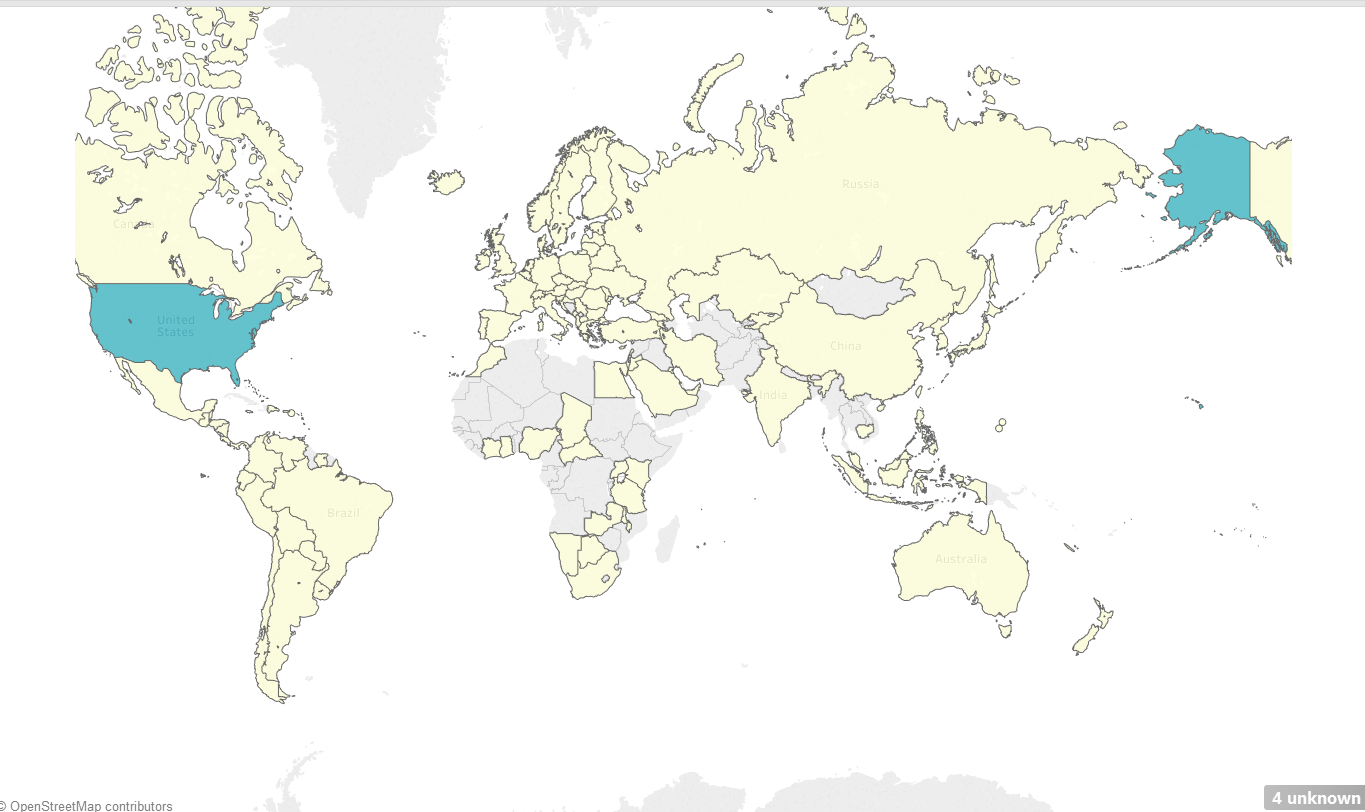
Since I want to introduce a better visualization, here using this map view report as an example, I will show a tip for customize your tableau color Platte. Look at the map view above, isn’t it a little bit dull? I’m a person like to using pics, colors to show story to maximum the effects of a report can bring. below are the color Platte tableau has, now let’s have some fun – add more color Platte! 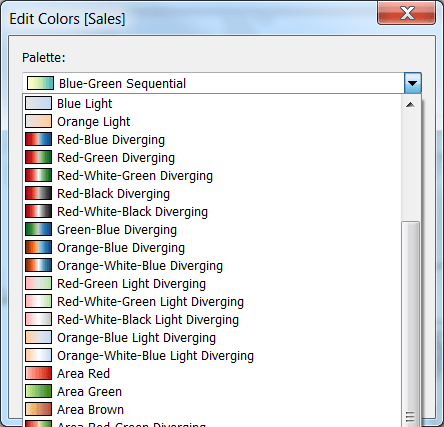
In your tableau repository folder, there is a xml file Preferences.tps. open it using notepad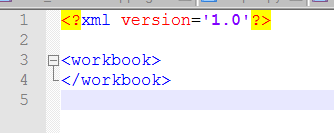 and it’s empty now.
For tableau color selections, there are Categorical, Sequential, diverging. paste the code (you can change the orange text part as you like, its just a name for the color Platte), or you can add more colors, just using the color code
<preferences>
<color-palette name=”Victoria Categorical Palette” type=”regular” >
<color>#eb912b</color>
<color>#7099a5</color>
<color>#c71f34</color>
<color>#1d437d</color>
<color>#e8762b</color>
<color>#5b6591</color>
<color>#59879b</color>
</color-palette>
<color-palette name=”Victoria Sequential Palette” type=”ordered-sequential” >
<color>#eb912b</color>
<color>#eb9c42</color>
<color>#ebad67</color>
<color>#eabb86</color>
<color>#eacba8</color>
<color>#ebd8c2</color>
</color-palette>
<color-palette name=”Victoria Diverging Palette” type=”ordered-diverging” >
<color>#eb912b</color>
<color>#59879b</color>
</color-palette>
</preferences>
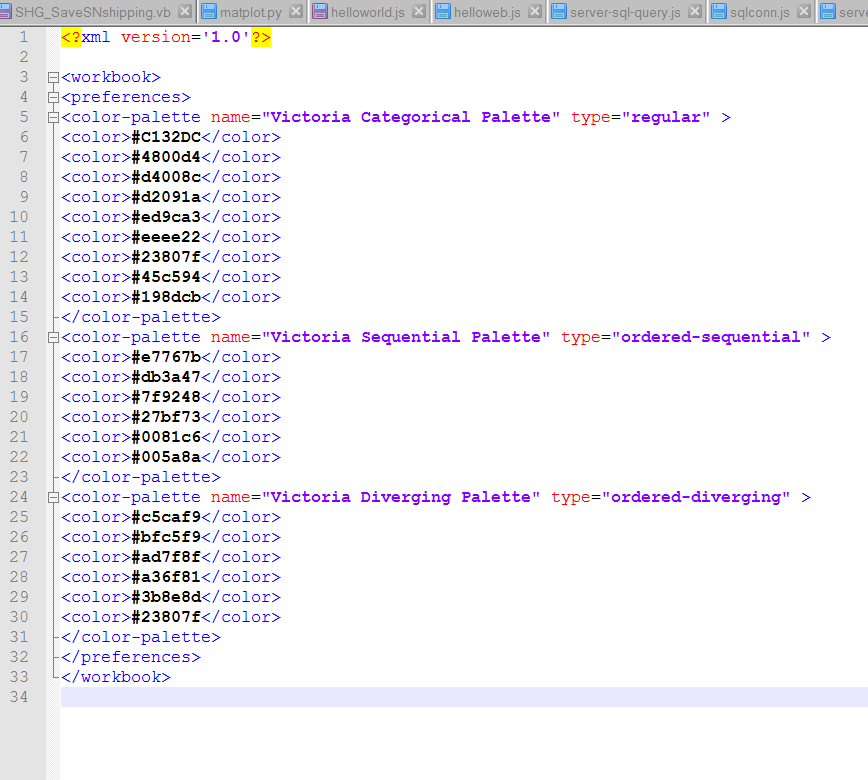
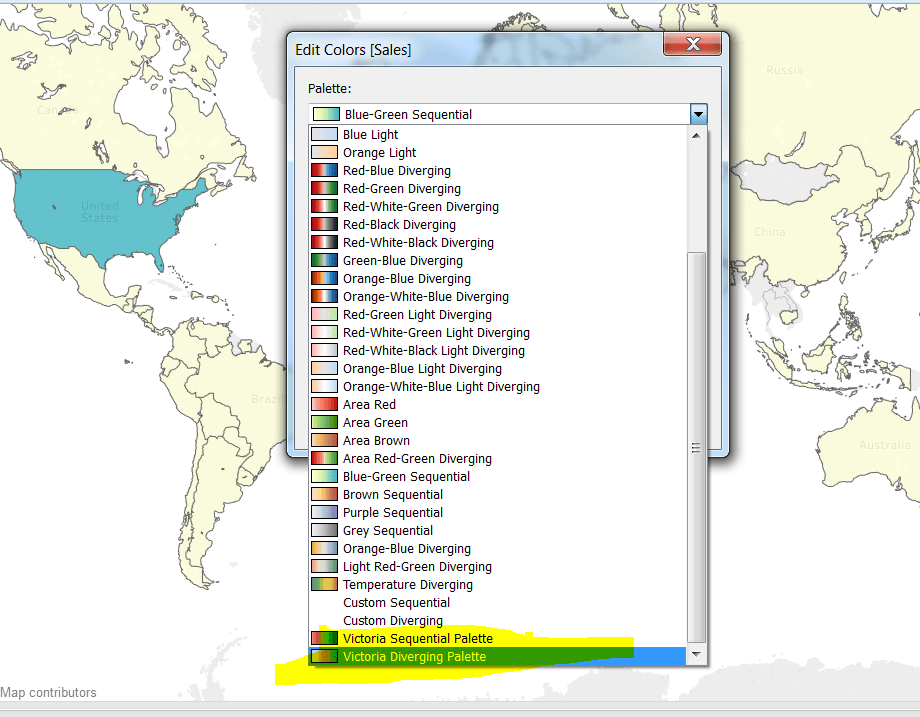
save it and close. close the Tableau. and reopen it. The highlight color are the ones I customized, fun right?
Now let apply this color
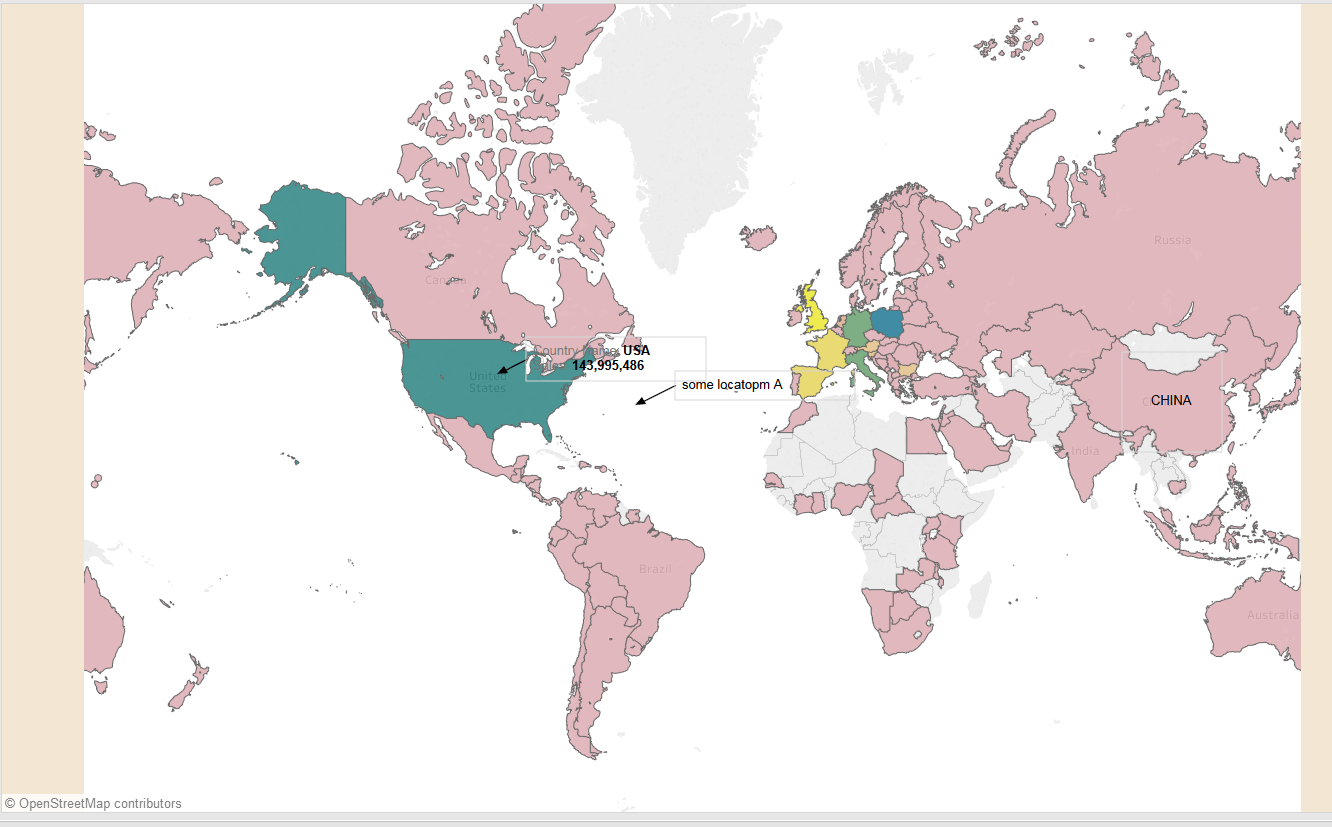
Now the sequence color give us a better view, you can easily tell where are most customer located and what is the number.
any thoughts? please comment down below

 Vision Binary
Leave a comment